Account guide · LoginUpdated regularly ·
8MBets Login: Signing In and Resetting a Password
You sign in to 8MBets with the username and password chosen at registration. Forgot the password? A one-time code goes to the mobile number on the account from the reset form.
Support never needs that code, so keep it to yourself.
Buttons open the 8MBets site in a new tab.
8MBets login: the four steps
The 8MBets login takes the username and password set at registration. There is no separate phone-number login: the username you chose on the sign-up form is the one the site expects every time.
Open the site or the app
Use a button on this page, a bookmark you saved yourself or the installed app.
Tap Login
Look near the top, beside the register button.
Type the username and password
Check that Caps Lock is off and that the phone has not added a capital letter or a space.
Look at the balance
The balance and recent bets ought to look the way you left them.
Step four takes a second and tells you whether you are in the right account. A balance you do not recognise is a reason to log out and open the site again from a trusted button.
8MBets sign in on app or browser
An 8MBets sign in works with the same details on both. The differences are small but worth knowing.
| Point | App | Browser |
|---|---|---|
| Details | Username and password | Username and password |
| Saved login | Handy on a personal phone | Avoid on shared devices |
| Address check | Not needed once installed from the app page | Check the address bar each time |
| After an update | You may need to log in again | No change |
The app comes from the brand's app page, covered step by step in our 8MBets APK guide.
When the 8MBets login fails
Match your 8MBets login symptom to a row and work from left to right.
| Symptom | Common cause | What to do |
|---|---|---|
| "Wrong password" | Caps Lock, autocorrect or an old saved password | Type it by hand once; if it fails again, reset it |
| Reset code not arriving | Weak signal, a changed number or a blocked sender | Wait a few minutes, restart the phone, request once more |
| Account locked | Several failed attempts in a row | Stop trying and ask support to unlock it |
| Logged in, withdrawal on hold | Verification is not finished | Send the documents support asks for |
| Username not recognised | A typo or a different account | Check your inbox for the sign-up confirmation message |
Guessing again and again rarely helps. After two failed tries, a reset is faster than a lockout.
8MBets forgot password: reset with a code
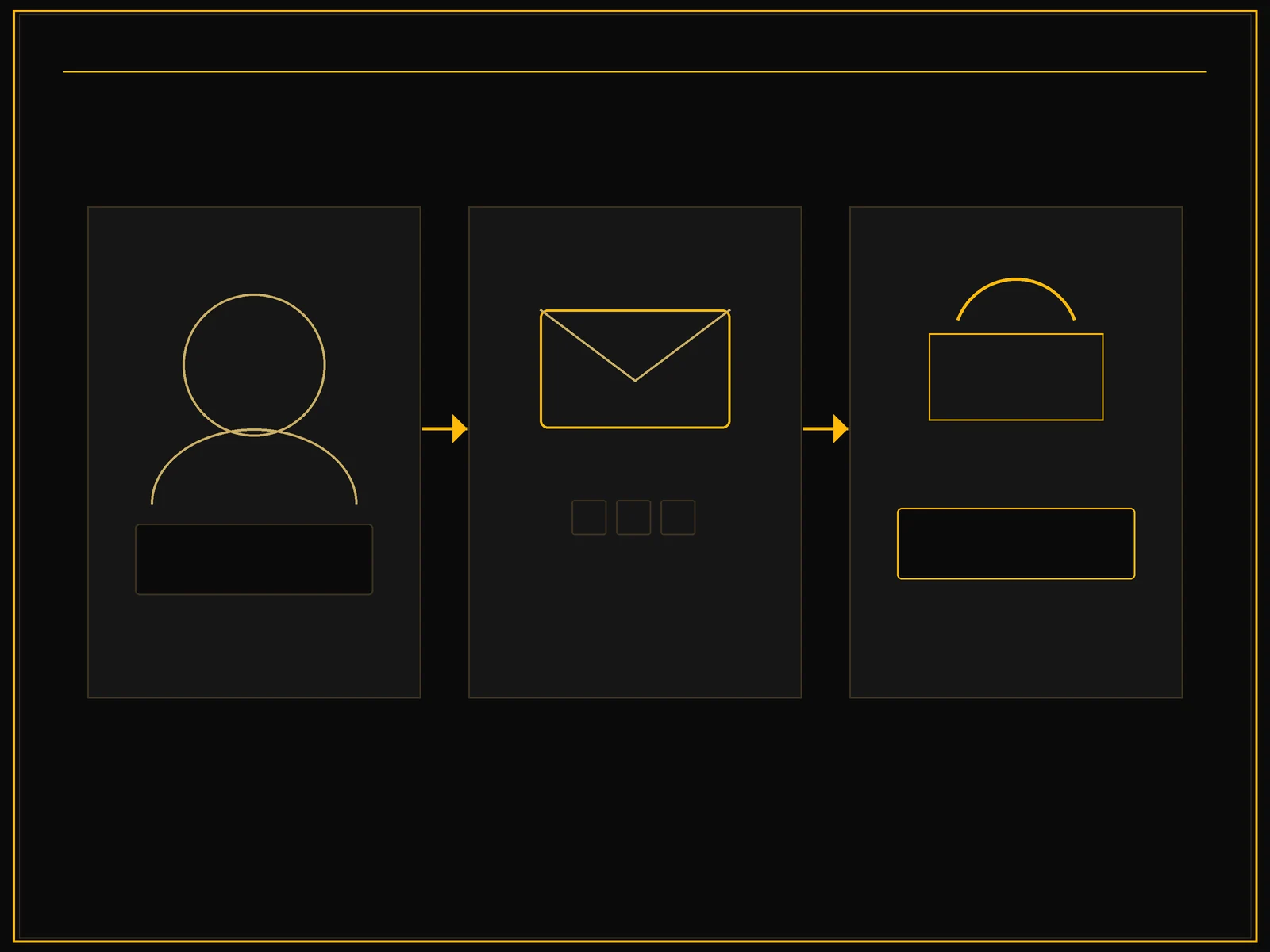
The 8MBets forgot password form starts with your username and sends a one-time code to the mobile number on the account. Have that phone with you before you begin.
Open the reset form
Tap the forgotten password link near the login fields.
Enter your username
Use the login name, not your email address.
Request the code
Tap the button that sends the one-time code and wait for the SMS.
Type the code
Enter it before it expires. Request a new one only if the first never arrives.
Set a new password and submit
Choose one that is new to you, not a copy of your email password.
Lost access to the phone number on the account? The reset form cannot help then. Contact support in chat with your username and the date of your last deposit.
Guarding your balance
A shared code or a reused password is the easiest way into someone else's account. A few habits close those doors:
- Give the betting account its own 8MBets password, used nowhere else.
- Never share the reset code. Support staff do not need it, and neither does anyone offering a bonus.
- Look at the address bar before typing a password, and skip login links sent through Telegram or social media.
- Log out on shared or borrowed phones and clear the saved password.
- Change the password at once if you typed it on a page you did not trust.
Still without an account?
A new account takes a few minutes, and the 8MBets registration guide goes field by field. New players claim 150% up to NPR 30,000 on the first rupee deposit; our bonus terms guide explains what to read first.
8MBets welcome bonus
150% up to NPR 30,000
18+ · Check the terms on the promotions page first
For the game lobbies, the cashier and the rest of the brand, see the 8MBets Nepal overview.
8MBets login: readers' questions
Do I log in with a username or a phone number?
With the username from registration and your password. There is no separate phone-number login; the mobile number is used for codes and recovery.
How do I reset my 8MBets password?
Open the forgotten password form, enter your username, request the code, type it in and set a new password. The code goes to the phone number on the account.
Why is my reset code not arriving?
Check the signal and that the account still uses that number. Wait a few minutes before you request another code. If the number has changed, contact support in chat.
What should I do if my account is locked?
Stop entering passwords. Contact support with your username and ask them to unlock the account, then reset the password if you are not sure of it.
Can support staff ask for my 8MBets password?
They have no reason to. Never share your password or a reset code with anyone, including people who say they work for the brand.
How do I get 150% up to NPR 30,000 as a new player?
Open a new account and make a first deposit in NPR, choosing the welcome bonus in the cashier. It pays 150% of that deposit up to NPR 30,000.
8MBets welcome bonus
150% up to NPR 30,000
18+ · Check the terms on the promotions page first